Stop losing leads to missed calls

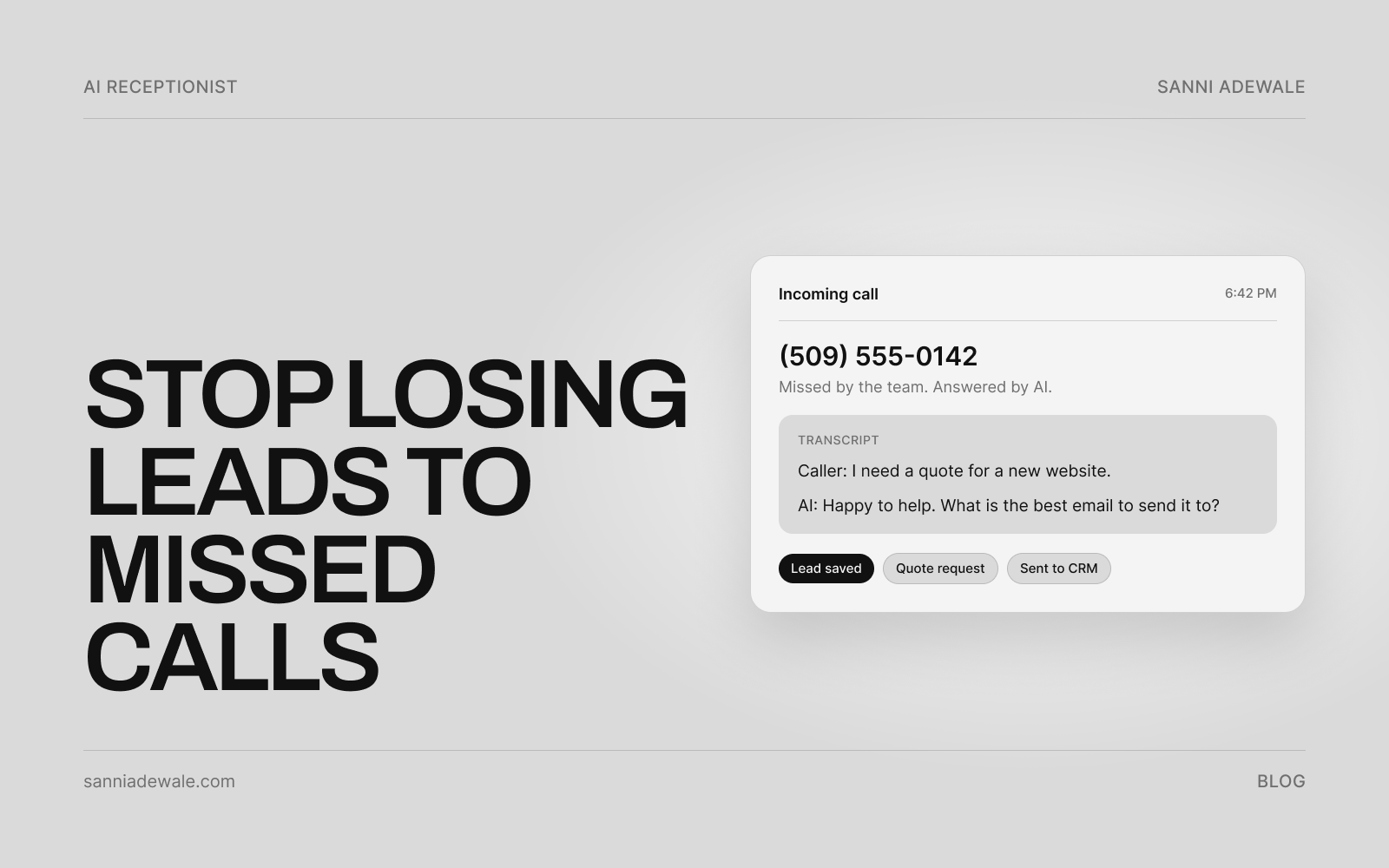
Short answer: An AI receptionist answers the calls you can't, after hours, on a job or when the line is busy. It greets the caller, answers common questions, takes their details, books the appointment and texts a confirmation, then sends you a summary. Set it up as a backup to your team, tell callers it's AI, and follow recording-consent rules.
Why AI receptionists are trending right now
Big voice-AI companies are now selling phone receptionists priced for small businesses. ElevenLabs launched Reception, which it says "answers every call, answers questions, books the job, and texts confirmation," set up "just by adding your website" (official announcement). On 8 October, Telnyx shared a demo of an AI agent that gathers the caller's issue, confirms they're happy to be transferred and hands them to a specialist with the context.
In plain English: the phone is getting the same AI upgrade that website chat got. You no longer need a call centre contract or an enterprise phone system to have every call picked up.
The problem: a lot of calls go unanswered
Invoca analysed 70 million calls in its 2026 Lead Conversion Benchmarks report and found that "across all industries, 56% of calls to businesses are answered by a person." Put the other way, a large share of callers don't reach anyone.
Voicemail doesn't fix it either. An older UK study by Moneypenny found 69% of callers don't leave voicemail messages. That figure is from 2016, so treat it as a direction rather than today's exact number, but anyone who runs a service business knows the pattern: a missed call is often a lead who rings the next business on the list.
A quick note on statistics you'll see elsewhere: figures like "62% of calls go unanswered" and "85% of callers never call back" are widely repeated, but I couldn't trace them to solid, current research, so I don't use them.
How to set up an AI receptionist: 7 steps
1. Decide when the AI picks up
Start as a backup, not a replacement. The most common setup: your team answers first, and calls go to the AI when nobody picks up after a set number of rings, when the line is busy, and outside business hours. You can widen it later.
2. Write the call script and intake questions
List what a good receptionist would ask: name, callback number, what they need, address or postcode, how urgent it is, and the best time to call back. Keep it to four or five questions. Add answers to your most common questions (hours, service area, how quotes work).
3. Set what it can and can't promise
Decide whether the AI can book directly into your calendar or only take a request. Tell it never to quote exact prices for work that needs a site visit, never to give legal or medical advice, and to flag emergencies to a person straight away.
4. Pick your tool
Choose between a ready-made AI receptionist, a hybrid human-plus-AI service, or a custom voice agent built for your workflow (see the table below). Check UK and EU number availability: ElevenLabs, for example, notes on its docs that UK numbers only take calls once a regulatory review is approved.
5. Connect your calendar, CRM and notifications
Every call should end with something useful: a booked slot in your calendar, a lead in your CRM, and a text or email summary to the right person. If it just produces transcripts nobody reads, you've moved the problem rather than fixing it.
6. Cover consent and disclosure
Say it's AI: start with "Hi, you've reached the AI assistant for [Business]." In the EU, Article 50 of the AI Act requires people to be told they're interacting with an AI system, unless obvious, from 2 August 2026.
Recording: several US states require every party to consent to call recording, so announce recording on every call. In the UK, recordings are personal data under UK GDPR, so you need a lawful basis, a privacy notice and a retention limit; check the ICO's guidance for your case.
Texting back: a confirmation text the caller asked for is low risk. Marketing texts need consent under US rules (the TCPA), and the FCC has ruled AI-generated voices count as "artificial" under the TCPA for outbound calls. Keep automatic texts to one non-marketing message with an opt-out, and take legal advice if you plan more.
7. Listen to calls weekly and track three numbers
For the first month, review a handful of calls each week. Fix wrong answers, tighten the script and track calls answered by AI, leads captured and jobs booked. Those three numbers tell you whether it's paying for itself.
Setup checklist
☐ Call-forwarding rules set (no answer, busy, after hours)
☐ Greeting says it's an AI assistant and mentions recording
☐ Intake questions written (4–5 max)
☐ Top FAQs and service areas added
☐ No-go list set (prices, advice, emergencies to a person)
☐ Calendar booking connected and tested
☐ Lead summary sent to CRM, email or text
☐ Confirmation text tested, with opt-out wording
☐ Privacy notice updated; data processing agreement signed
☐ Test calls made from a mobile, including after hours
☐ Weekly call review booked for the first month
AI receptionist options compared
Option | Examples | Pricing model | Best for | Watch out for |
|---|---|---|---|---|
Ready-made AI receptionist | Monthly plan by minutes or unique callers | Trades, clinics, salons wanting quick setup | Limited custom logic; check number availability outside the US | |
AI receptionist with human backup | Monthly plan by calls or minutes | Law firms and businesses where tricky calls must reach a person | Costs more per call than AI-only | |
Custom voice agent | Built on platforms such as Retell AI | Build cost plus per-minute usage | Businesses with specific booking, quoting or CRM workflows | Needs a developer to build, test and maintain |
Prices and plans change often, so check each pricing page before you sign up.
When not to use AI on the phone
If most of your calls are emotional, urgent or complex (bereavement services, emergency repairs with safety risks, legal crises), keep a person first and use AI only for after-hours capture. The aim is that nobody hits voicemail, not that nobody talks to a human.
FAQ
What is an AI receptionist?
An AI receptionist is a voice assistant that answers your business phone, talks to callers in natural language, answers common questions, takes their details and books appointments. It then sends you a summary or transcript of each call.
Can an AI receptionist book appointments?
Yes. Most AI receptionists connect to calendars such as Google Calendar or Calendly and can book a slot during the call, then text or email a confirmation. Test the full booking flow before going live.
Will callers know they're talking to AI?
They should. Start the greeting by saying it's an AI assistant. In the EU, the AI Act requires disclosure from 2 August 2026 unless it's obvious, and being upfront builds trust everywhere else too.
Is it legal to record calls with an AI receptionist?
Usually yes, with the right notice. Some US states require all parties to consent, and UK and EU rules treat recordings as personal data. Announce recording on every call, update your privacy notice and get legal advice for regulated sectors.
How much does an AI receptionist cost?
Pricing depends on the type: ready-made tools charge monthly plans by minutes or callers, hybrid services charge more for human backup, and custom voice agents have a build cost plus per-minute usage. Compare against what missed jobs cost you.
Can it text back customers after a missed call?
Many tools can send a text after a call. Keep automatic texts to a single, non-marketing message the caller would expect, include an opt-out, and get consent before sending marketing messages.
Will an AI receptionist replace my front-desk staff?
It works best as backup: it catches overflow, busy-line and after-hours calls so your team can focus on the conversations that need a person.
Want something like this for your business?
Send us an email at Lexxy0905@gmail.com or book a call.