Get More Reviews Without Asking Every Customer Yourself

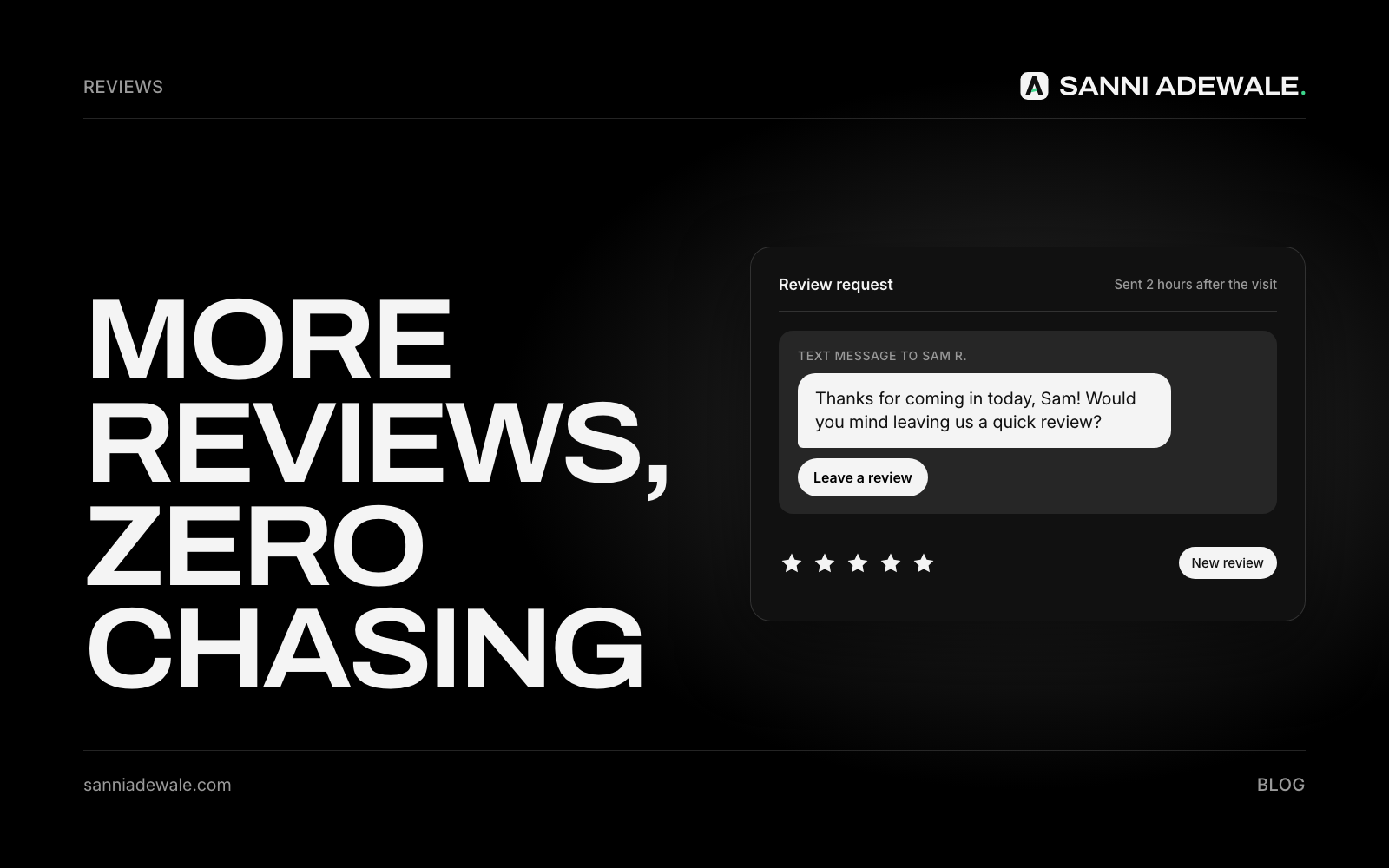
Short answer: Set up a workflow that sends every customer a short, personal review request with your Google review link soon after the job is done, plus one gentle reminder. Ask every customer, not just the happy ones, never offer a reward for reviews, and reply to every review you get.
The problem: happy customers who never leave a review
Most customers are happy to leave a review if someone asks at the right moment. The trouble is that "someone" is usually you, at the end of a long day, and the ask never happens. Meanwhile, reviews matter for being found: Google's own Business Profile help says "more reviews and positive ratings can help your business's local ranking."
Asking works. In BrightLocal's Local Consumer Review Survey, 65% of consumers said they had left reviews in response to requests from a business (2022 data). An automated request makes sure the ask goes to every customer, every time.
The rules you must follow
Before automating anything, know where the lines are:
Google says businesses may not "discourage or prohibit negative reviews, or selectively solicit positive reviews from customers," and may not offer incentives such as discounts or free services (Google Maps content policy).
US (FTC): the Consumer Reviews and Testimonials Rule took effect on 21 October 2024 and bans, among other things, fake reviews and incentives that depend on the review being positive.
UK (CMA): under the Digital Markets, Competition and Consumers Act 2024, the CMA has published guidance on fake reviews, which bans fake reviews and concealed incentivised reviews.
In practice that means no "review gating": don't send only happy customers to Google while steering unhappy ones elsewhere. Ask everyone the same way.
How to set it up: 7 steps
1. Get your Google review link
In your Google Business Profile, use the option to share a review link or QR code (Google's tips for getting reviews). This takes customers straight to the review box.
2. Pick the trigger
Choose the moment the job is truly done: invoice paid, appointment completed, project signed off. That event starts the workflow in your booking tool, CRM or job-management software.
3. Choose the channel
Email works for most service businesses. Text often suits trades, clinics and salons, but only send texts to customers who agreed to receive them.
4. Write a short, personal message
Keep it to three sentences: thank them for the specific job, ask for a short review, and give the link. AI can personalise each one from the job details ("Thanks for choosing us for your bathroom refit in Leeds") so it reads like you wrote it.
5. Time it well and send one reminder
Send the first request within a day of the job, while it's fresh. If there's no review after about five days, send one gentle reminder. Then stop.
6. Send every customer the same request
Don't filter by satisfaction score before asking. If a customer replies to your email with a problem, that reply comes to you, so you can fix it, but they still received the same review link as everyone else.
7. Reply to every review
Thank people for positive reviews and respond calmly and helpfully to negative ones. AI can draft replies for you to approve, which keeps it to a few minutes a week.
Review request checklist
☐ Google review link or QR code copied from your Business Profile
☐ Trigger set: job completed or invoice paid
☐ Message is short, personal and names the job
☐ Every customer gets the same request (no gating)
☐ No discounts, gifts or prizes for reviews
☐ Text messages only to customers who opted in
☐ One reminder only, then stop
☐ Replies to your request go to a person
☐ Weekly reply to new reviews
Ways to automate review requests
Option | How it works | Best for | Watch out for |
|---|---|---|---|
Built into your booking or job tool | Sends a request when an appointment or job is marked complete | Salons, clinics, trades already using such a tool | Wording and timing may be limited |
Dedicated review software (e.g. Birdeye, Podium, NiceJob) | Sends requests by email or text, tracks reviews, helps you reply | Businesses with many customers a week | Monthly cost; check features don't gate reviews |
Custom workflow (Zapier, Make or n8n plus AI) | Your CRM or invoice tool triggers a personalised request | Businesses that want it tied to their own systems | Needs setup and an owner |
Why this helps you get found
Reviews help on Google, and they're also part of what AI tools draw on when they recommend local businesses. If visibility is your goal, pair this with Get found on ChatGPT and Google. For more quick wins, see 12 everyday problems a simple AI workflow can fix.
FAQ
How do I automatically ask customers for Google reviews?
Copy your review link from Google Business Profile, then use your booking tool, review software or an automation tool to send it to every customer when a job is completed, with one reminder a few days later.
Can I offer a discount for leaving a review?
No, not for Google reviews. Google prohibits incentives such as discounts or free services for reviews, and US and UK rules restrict incentivised reviews too.
What is review gating, and why is it a problem?
Review gating means asking customers how happy they are first and only sending happy ones to your review page. Google prohibits selectively soliciting positive reviews, so ask every customer the same way.
When is the best time to ask for a review?
Soon after the job is finished, ideally within a day, while the experience is fresh. Send one reminder after a few days if they haven't reviewed, then stop.
Can AI write my review requests and replies?
Yes. AI can personalise each request with the job details and draft replies to reviews. Keep a person approving replies, especially to negative reviews.
Do reviews help with SEO?
Google says more reviews and positive ratings can help your local ranking, and prominence considers how many reviews you have. They also build trust with people comparing businesses.
Want something like this for your business?
Send us an email at Lexxy0905@gmail.com or book a call.