12 Everyday Business Problems You Can Fix With a Simple AI Workflow

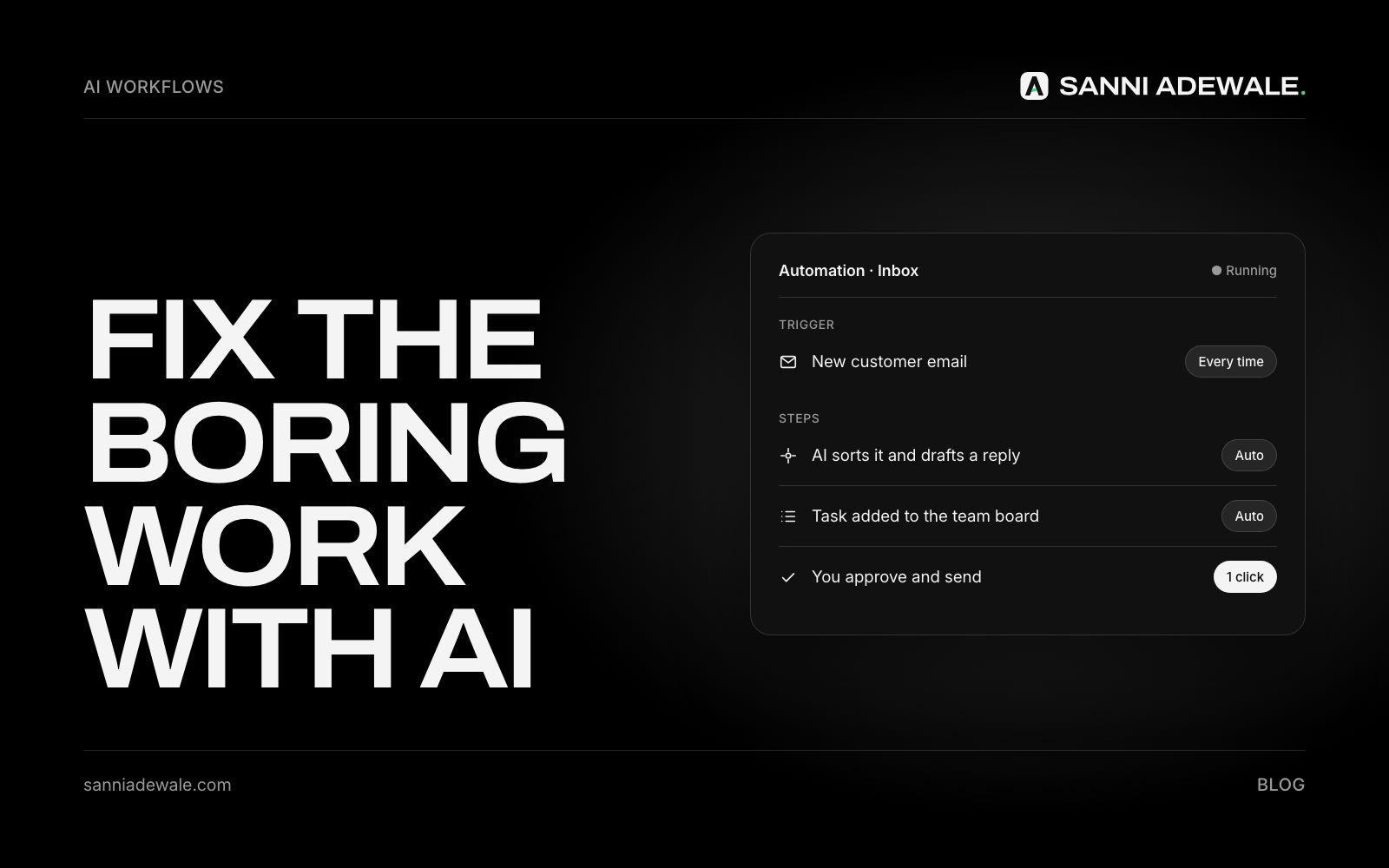
Short answer: Most small businesses and agencies lose time and money on the same few tasks: slow replies to leads, missed calls, no follow-up, repeat questions, copying data between tools and chasing paperwork. Each one can be fixed with a simple AI workflow (a trigger, one AI step and an action) that you can set up in days, not months.
The problem with "AI transformation"
You don't need a big AI project to see results. You need to find the boring, repeated work that leaks customers or eats your week, and hand it to a small, reliable automation. Speed matters most where money is involved: in the Harvard Business Review study "The Short Life of Online Sales Leads", the researchers' headline finding was that "most companies are not responding nearly fast enough" to new enquiries. Most of the fixes below start there.
What is a simple AI workflow?
A simple AI workflow has three parts:
A trigger: something happens, such as a form submission, a missed call or a finished job.
An AI step: AI reads, writes, sorts or summarises something, such as drafting a reply or pulling out key details.
An action: the result goes somewhere useful, such as an email, a calendar booking, a CRM record or an alert to a person.
Tools like Zapier, Make or n8n connect your apps, and an AI model such as ChatGPT or Claude does the thinking step. A person stays in charge of anything sensitive.
Everyday business problems, and the fix
1. Leads wait hours for a reply
Someone fills in your form at 9pm and has booked someone else by the time you reply. Fix: form submitted, then AI drafts a personal reply with your booking link, sent within a minute, and the lead is added to your CRM. More in Follow up every lead automatically.
2. Missed calls become missed customers
Invoca's analysis of 70 million calls found that "56% of calls to businesses are answered by a person", so many callers reach nobody. Fix: missed call, then an instant text-back, then AI sorts the reply and creates a callback task. See Stop losing leads to missed calls.
3. Nobody follows up
A lead goes quiet and nobody chases them. Fix: no reply after two days, then AI writes a short follow-up based on what they asked, up to three times over two weeks, stopping the moment they reply or book.
4. The same questions, every day
Opening hours, prices, service areas. Fix: an AI assistant on your website, trained only on your own pages, that answers, books calls and hands tricky questions to a person. See Let AI answer your leads.
5. Copying data between tools
The same details get typed into a spreadsheet, then the CRM, then the invoice tool. Fix: a form or email arrives, AI pulls out the name, company and need, and the record is created in every tool at once. See Stop copying data between your tools.
6. Chasing invoices
Reminder emails get forgotten, so you get paid late. Fix: invoice overdue, then a friendly reminder at 3, 7 and 14 days, and you're alerted only if it's still unpaid. See Get paid faster.
7. Not asking for reviews
Happy customers would leave a review, but nobody asks. Fix: job marked complete, then a short thank-you with your review link the next day, sent to every customer. See Get more reviews without asking every customer yourself.
8. Social posts that never happen
Fix: publish one blog post, then AI drafts a LinkedIn post, a Facebook post and a short X thread in your voice, which you approve before they're scheduled.
Agency problems, and the fix
9. Client onboarding is chaos
Fix: contract signed, then the client folder and project board are created from a template, AI writes a personal kickoff email, and an access checklist goes to the client. See Onboard new clients in minutes, not days.
10. Status reports eat Friday afternoon
Fix: every Friday, AI reads each project's completed and upcoming tasks and drafts a short update per client, which a manager reviews and sends.
11. Proposals take too long
Fix: the discovery call is transcribed, AI pulls out goals, scope, budget and timeline, and drafts the proposal in your template for you to edit and send the same day.
12. Team knowledge is lost in Slack
Fix: an assistant that answers from your approved docs and SOPs, shows where each answer came from, and says plainly when it doesn't know.
Which workflow should you start with?
Problem | Who it helps most | Effort to set up | Goal |
|---|---|---|---|
Slow lead replies | Service businesses | Low | More booked calls |
Missed calls | Trades, clinics, local services | Low | Fewer lost callers |
No follow-up | High-value services | Low | Leads that don't go cold |
Repeat questions | Small teams with busy inboxes | Medium | Time back each week |
Copying data | Teams using 3+ tools | Medium | Fewer errors |
Invoice chasing | Freelancers, agencies | Low | Faster payment |
Review requests | Local businesses | Low | More reviews |
Social content | Owners with no time to post | Low | Consistent posting |
Client onboarding | Agencies | Medium | Smoother starts |
Status reports | Agencies | Medium | Fridays back |
Proposals | Agencies, consultants | Medium | Faster proposals |
Team knowledge | Growing teams | Medium | Fewer interruptions |
How to start: 7 steps
List your repeated tasks. Write down everything you or your team do more than three times a week.
Pick the one that costs you customers. Start with leads, calls or follow-up before internal admin.
Map the trigger, AI step and action on one line, like the examples above.
Decide what a person must approve. Money, complaints and legal questions stay with a human.
Connect your tools with Zapier, Make or n8n, and add the AI step.
Test it with 20 real examples, including awkward ones, before you switch it on.
Review it weekly for the first month, then monthly.
Checklist before you switch it on
☐ One clear job for the workflow
☐ The AI only uses your approved information
☐ A person approves anything sensitive
☐ Customers can always reach a real person
☐ Tested with real examples
☐ Personal data handled under GDPR or your local rules (ICO guidance on AI and data protection)
☐ Someone owns it and checks it weekly
FAQ
What is an AI workflow for a small business?
It's a small automation: something happens (a form, a call, a finished job), AI does one thinking step (writes, sorts or answers), and the result goes where it's needed. It handles repeated work so your team can focus on customers.
Do I need to know how to code?
No. Tools like Zapier and Make are built for non-technical users. Complex or custom workflows may need a developer, but most of the 12 above can start without code.
Which AI workflow gives the fastest result?
For most service businesses, it's replying to new leads instantly and following up automatically. Both touch revenue directly and are quick to set up.
Will AI replies sound robotic?
Not if they're set up well. Give the AI your tone, examples of good replies and clear limits, and have a person review important messages at first.
Is it safe to use AI with customer data?
It can be. Use tools with proper data agreements, send only the data the workflow needs, tell people when they're talking to AI, and follow GDPR if you serve UK or EU customers.
How much does an AI workflow cost?
It depends on the tools and how custom it is. Many simple workflows run on existing subscriptions plus small AI usage fees; custom builds add a one-off setup cost.
Want something like this for your business?
Send us an email at Lexxy0905@gmail.com or book a call.