Get Paid Faster: Automate Invoice Reminders With AI

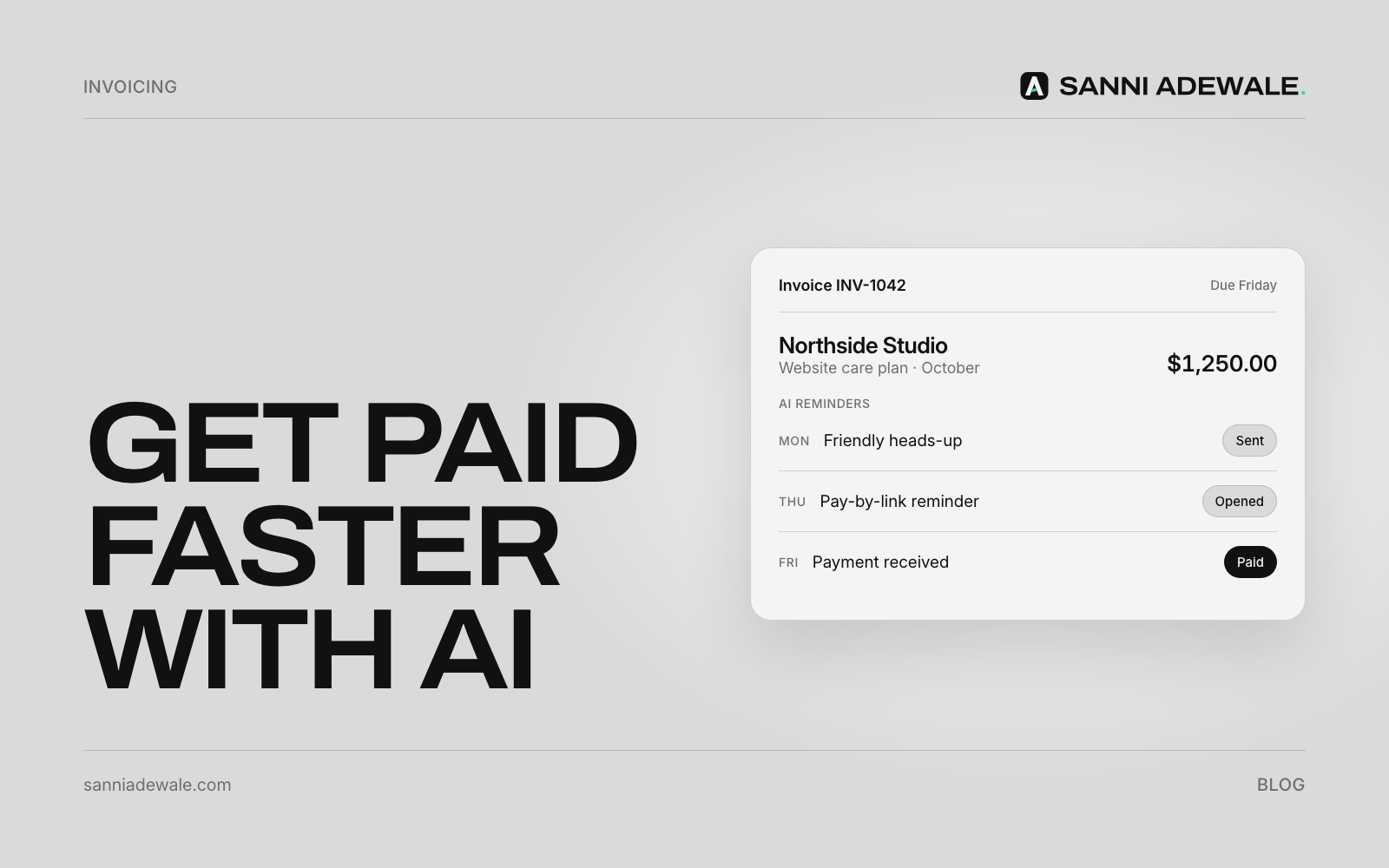
Short answer: To get paid faster, turn on automatic invoice reminders in your accounting tool, set a schedule (before the due date, on it, and at 7 and 14 days overdue), and let AI write each message in your tone. You only step in when an invoice is still unpaid after the last reminder.
The problem: chasing money nobody wants to chase
Late payment is one of the most common cash-flow problems for small firms. In QuickBooks' 2025 Small Business Late Payments Report, a survey of 2,487 US small businesses, 56% said they were owed money from unpaid invoices, averaging $17.5K, and 47% had invoices more than 30 days overdue.
Most of the time, nobody is refusing to pay. The invoice got buried, the approver was away, or the reminder you meant to send never went out because chasing clients feels awkward. That's exactly the kind of repeated, predictable task a simple workflow handles well.
What an automated reminder workflow does
The trigger is the invoice date. The action is a reminder email (or text) at set points. The AI step, which is optional but useful, writes each message so it sounds like you: friendly first, firmer later, always polite. If the client replies with a question ("can you resend the PO number?"), the workflow sends it to you rather than firing off another reminder.
Most accounting tools already have the basic part built in:
QuickBooks Online can send up to three automatic reminders for unpaid invoices that were emailed.
Stripe Invoicing can send reminders before, on or after the due date.
Xero and FreshBooks offer invoice reminders too; check their help centres for current limits.
How to set it up: 7 steps
1. Check your payment terms
Reminders only work if the due date is clear. Put the terms on every invoice ("Payment due within 14 days"). In the UK, if no date was agreed, a business payment is usually late 30 days after the invoice is received.
2. Make paying easy
Add a "Pay now" card or bank-transfer link to every invoice. The fewer steps, the fewer excuses.
3. Turn on built-in reminders
In your accounting tool, switch on automatic reminders before you build anything custom. It's free, it's already connected to your invoices, and it stops reminding as soon as the invoice is paid.
4. Set a simple schedule
A schedule that works for most service businesses:
3 days before due: friendly heads-up with the pay link
On the due date: short reminder
7 days overdue: polite nudge, asking if anything is holding it up
14 days overdue: firmer note, mentioning your terms
21+ days overdue: alert to you to call the client personally
5. Let AI write the messages in your voice
Give an AI tool your tone, two examples of emails you'd actually send and the facts it may use (invoice number, amount, due date, pay link). Ask for a version for each stage. Review them once, then save them as templates. For bigger clients, a custom workflow (with Zapier, Make or n8n) can let AI tailor each reminder, for example mentioning the project by name.
6. Route replies to a person
If a client replies, the reminders should pause and the message should reach you. Disputes, payment plans and "we never received it" need a human, not another automated email.
7. Know your rights, and use them carefully
In the UK, businesses can claim statutory interest on late commercial payments of "8% plus the Bank of England base rate," plus fixed compensation of £40, £70 or £100 depending on the debt. You don't have to use these, but mentioning them in your terms and final reminder is fair. Rules differ in the US and EU, so check local guidance.
Reminder checklist
☐ Payment terms printed on every invoice
☐ Pay link or bank details on every invoice
☐ Built-in reminders switched on
☐ Schedule set: before, on and after the due date
☐ Message for each stage written in your tone
☐ Replies pause reminders and go to a person
☐ Final step is a personal call, not another email
☐ Monthly check of overdue invoices
Built-in reminders vs a custom AI workflow
Option | What it does | Best for | Watch out for |
|---|---|---|---|
Built-in reminders (QuickBooks, Xero, FreshBooks, Stripe) | Sends set reminders until the invoice is paid | Most small businesses | Limited number of reminders and wording options |
Built-in plus AI-written templates | Same, with better-written messages for each stage | Owners who hate writing chasers | Templates still aren't personal to each client |
Custom AI workflow (Zapier, Make, n8n) | Personal reminders, pauses on reply, alerts you, logs to your CRM | Agencies and firms with larger invoices | Needs setup and someone to maintain it |
Keep the relationship intact
The goal is to get paid without damaging the client relationship. Polite, predictable reminders actually help: clients know what to expect, and you never have to send an angry email at the end of a long week. If you're also tidying up lead handling, see Follow up every lead automatically, or browse 12 everyday problems a simple AI workflow can fix.
FAQ
How do I automate invoice reminders?
Turn on automatic reminders in your accounting tool, set when they send (before, on and after the due date), and write a message for each stage. Most tools stop reminding automatically once the invoice is paid.
How many payment reminders should I send?
For most businesses, three or four: a heads-up before the due date, one on the day, and one or two after. If the invoice is still unpaid after about three weeks, call the client.
Can AI write my payment reminder emails?
Yes. Give AI your tone, real examples and the invoice details it may use, and it can draft friendly-to-firm messages for each stage. Review them before you save them as templates.
Will automatic reminders annoy my clients?
Not if they're polite, spaced out and stop the moment the client pays or replies. Many clients appreciate a reminder because invoices get buried in busy inboxes.
Can I charge interest on late invoices in the UK?
Yes. Under UK late payment rules, businesses can claim statutory interest of 8% plus the Bank of England base rate on late commercial payments, plus fixed compensation of £40 to £100 depending on the debt.
Want something like this for your business?
Send us an email at Lexxy0905@gmail.com or book a call.