Onboard New Clients in Minutes, Not Days

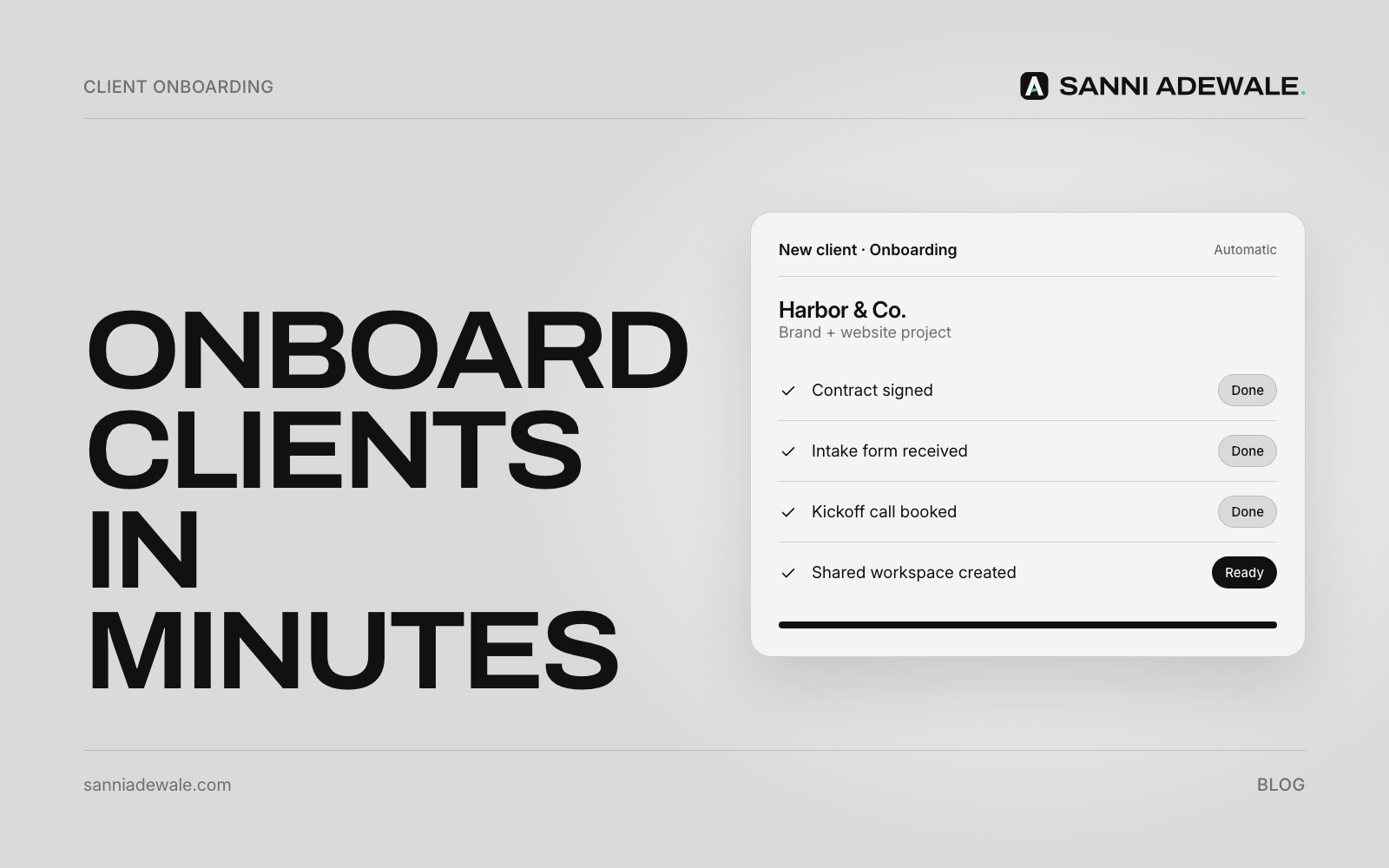
Short answer: Automate agency client onboarding by making the signed contract the trigger. One workflow then creates the client's folders and project board from templates, sends a personal kickoff email and intake form, requests access the safe way, and books the kickoff call. Your team reviews the result instead of doing every step by hand.
The problem: the first week sets the tone
Every agency knows the routine after a contract is signed: create the Drive folder, duplicate the project board, write the welcome email, send the questionnaire, ask for logins, raise the first invoice, book the kickoff. It's the same every time, it's done by hand, and something always gets missed, usually when the team is busiest.
That first week is when the client decides whether they made the right choice. A slow, messy start costs goodwill you then spend months earning back.
It doesn't have to be slow. In a guest post on Zapier's blog, an agency owner describes a 60-step Zap that onboards clients in about five minutes, cutting hands-on time from "more than 5 hours to about 5 minutes," using a CRM, an e-signature tool, Google Drive, a project board and Gmail. You don't need 60 steps to get most of that benefit.
The onboarding chain
Think of onboarding as one chain with a single trigger:
Contract signed → deal moves to "Won" in your CRM → folders created → project board created → kickoff email and intake form sent → access requested → first invoice raised → kickoff call booked → team notified
Tools like Zapier, Make or n8n connect the links. E-signature tools such as PandaDoc can trigger an automation when a document is completed. AI adds the personal touch: it reads the proposal or discovery-call notes and writes the kickoff email and a project brief.
How to set it up: 7 steps
1. Write down your current onboarding steps
List every step your team does after a contract is signed, who does it and which tool it's in. This is your process on one page, and it usually reveals steps only one person knows.
2. Build the templates first
Create a template client folder (with subfolders for brief, assets, deliverables and invoices), a template project board with your standard phases and tasks, and a template intake form. Automation copies templates; it can't fix a messy process.
3. Pick one trigger
Use a single, reliable event: the contract being signed or the deal moving to "Won" in your CRM. Everything else hangs off that one moment.
4. Automate the setup
Connect the trigger to create the folder, duplicate the project board (named after the client), add the client to your CRM and raise the first invoice or deposit request. Notify the project lead in Slack or email when it's done.
5. Let AI write the kickoff email and brief
Give AI the signed proposal and any call notes. Ask it to draft a personal kickoff email (what happens next, who's who, the intake form link and a booking link for the kickoff call) and an internal one-page brief. The project lead reviews and sends; this keeps the human touch while saving the writing time.
6. Request access safely
Never ask clients to email passwords. Ask them to add your agency as a user instead, for example through Google Ads account access levels or their website platform's team settings. Where a secret truly has to be shared, use a password manager's expiring share link, such as 1Password item sharing or Bitwarden Send.
7. Check it, then improve it
Run the workflow on your next three new clients with someone watching each step. Then ask each client what was confusing in week one and fix the template.
Onboarding checklist
☐ Onboarding steps written down, with owners
☐ Template folder, project board and intake form ready
☐ One trigger chosen (contract signed or deal won)
☐ Folder, board and CRM record created automatically
☐ First invoice or deposit request raised automatically
☐ AI-drafted kickoff email reviewed by the project lead
☐ Kickoff call booking link included
☐ Access requested via user invites, not passwords by email
☐ Team notified when setup is complete
☐ Client feedback on week one collected
What to automate and what to keep human
Step | Automate? | How |
|---|---|---|
Create folders and project board | ✓ | Copy templates when the contract is signed |
Add client to CRM and raise invoice | ✓ | Trigger from the signed contract or won deal |
Kickoff email and project brief | Draft with AI | Project lead reviews and sends |
Intake questionnaire | ✓ | Form link in the kickoff email, answers saved to the client folder |
Access to accounts | Partly | Automated request; client adds you as a user |
Kickoff call | Partly | Booking link automated; the call itself is human |
Expectations and scope questions | — | Always a person |
Start small
You don't need everything on day one. The quickest win is usually folders plus project board plus kickoff email from one trigger. Add access requests and invoicing next. If your team also loses hours to admin elsewhere, see Stop copying data between your tools and 12 everyday problems a simple AI workflow can fix.
FAQ
How do I automate client onboarding for my agency?
Choose one trigger, such as a signed contract or a won deal in your CRM, and connect it with a tool like Zapier, Make or n8n to create folders and a project board from templates, send a kickoff email and intake form, and notify your team.
What should an agency client onboarding process include?
A welcome or kickoff email, an intake questionnaire, a shared folder, a project board, access to the client's accounts, the first invoice, and a kickoff call that confirms goals, scope and timelines.
Can AI write the client kickoff email?
Yes. AI can draft a personal kickoff email and an internal brief from the signed proposal and call notes. A project lead should review it before it goes out.
How should clients share passwords with an agency?
Ideally they don't. Ask clients to add your agency as a user on each platform. If a password must be shared, use a password manager's expiring share link, never plain email.
Which tools do I need?
Usually your existing CRM or e-signature tool, a file store such as Google Drive, a project tool such as Asana, ClickUp or Monday, and an automation tool such as Zapier, Make or n8n to connect them.
Want something like this for your business?
Send us an email at Lexxy0905@gmail.com or book a call.