7 Signs Your Business Has Outgrown Spreadsheets and Manual Admin

Short answer: You've outgrown spreadsheets when the same information is typed into several places, only one person understands the files, mistakes slip through to customers or invoices, and admin is eating evenings. The fix is a simple system built around how your business runs, with the admin automated, and we build and set that up for you.
"It's all in the spreadsheet… somewhere"
Spreadsheets are where almost every small business starts, and for good reason: they're free, flexible and everyone knows how to use them. A customer list, a job tracker, a quote calculator, a sheet of who's paid.
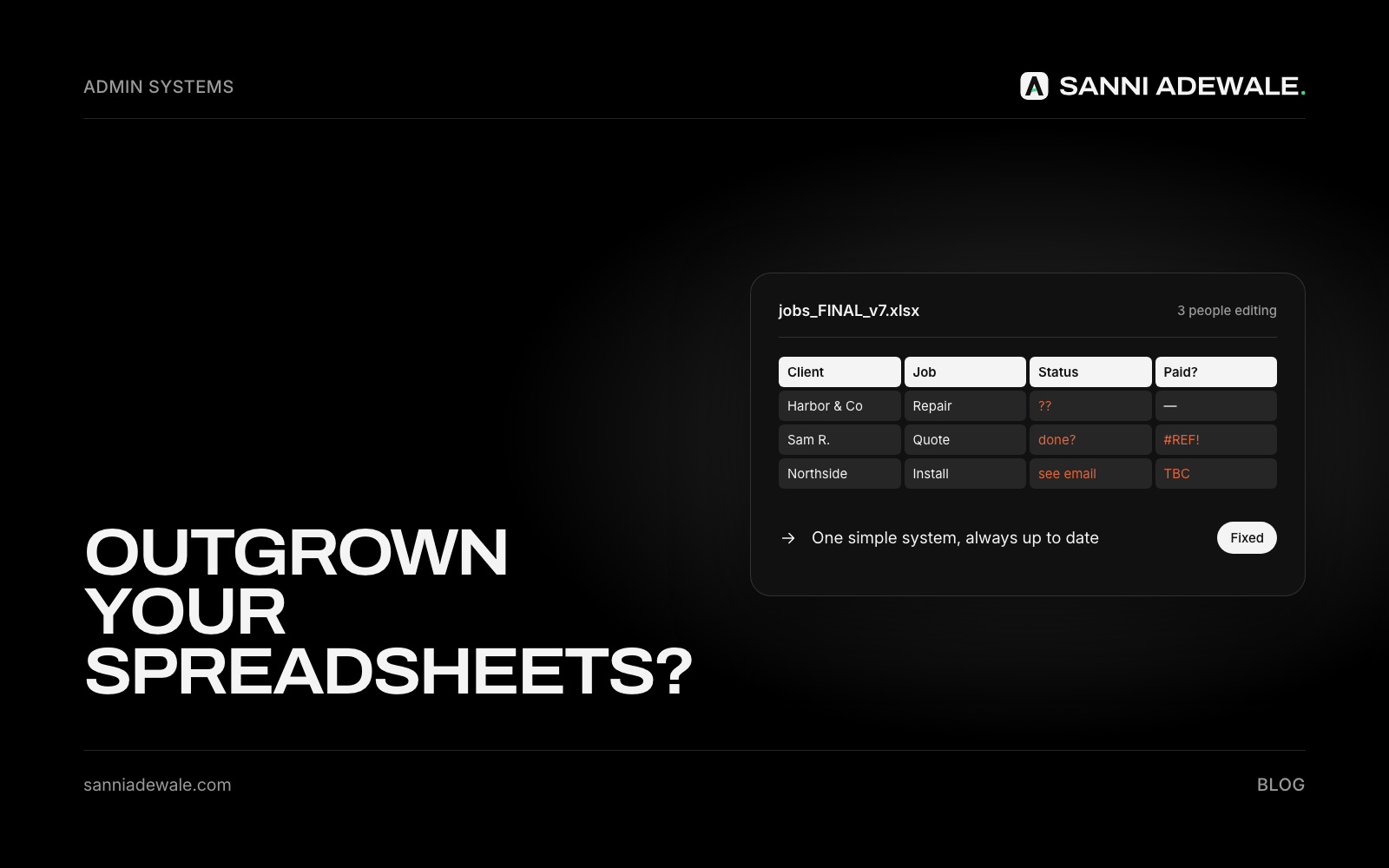
The trouble is that the business grows and the spreadsheets don't. A few tabs become a few files, then "Jobs FINAL v3 (Sam's copy).xlsx". Every new customer means updating four places. And the one person who understands the formulas is usually the owner.
The 7 signs
1. You type the same details more than once
A new customer goes into the enquiry sheet, then the job tracker, then the invoice tool, then the email list. Each copy is time lost and a fresh chance for a typo. In a Zapier survey of 1,000 workers at small and medium businesses, 76% said they spend one to three hours a day simply moving data from one place to another.
2. Nobody trusts which version is right
Two people edit different copies, or someone overwrites a formula. Then you spend time working out which number is true instead of acting on it.
3. Mistakes reach customers
A wrong price on a quote, an invoice sent twice, a booking missed because it was on the wrong tab. Errors in spreadsheets are common enough to be a research field. Raymond Panko, who has studied them for decades, sums up the evidence like this: errors are rare per cell, but in large spreadsheets at least one wrong bottom-line value is very likely, errors are extremely hard to spot, and people are highly overconfident that theirs are correct.
4. Only you can run it
If you're off sick or on holiday, things stall because nobody else knows how the sheets fit together. (This is the same "it's all in my head" problem we wrote about in turning what you know into SOPs.)
5. You can't answer simple questions quickly
"How many quotes did we send last month and how many did we win?" "Who still owes us money?" If answering takes an hour of filtering, you're flying blind.
6. Admin happens in the evenings
The work gets done in the day; the spreadsheet updating happens at night. That's time you're not getting paid for and not spending on growth.
7. Things fall through the cracks
Follow-ups forgotten, renewals missed, a customer who asked for a callback and never got one. Spreadsheets don't remind anyone of anything.
What is it costing you?
Hours every week of copying and checking. Money lost to errors, missed follow-ups and late invoices. And a ceiling on growth: you can't take on more customers or staff if every extra customer means more manual admin for you. If you're also paying for tools that don't talk to each other, see Cut your software bill.
What does "fixed" look like?
Before | After |
|---|---|
Customer details typed into 3–4 places | Entered once, shared everywhere automatically |
Several versions of the same file | One system everyone uses |
Only the owner understands it | Clear, simple screens anyone on the team can use |
Quotes and invoices built by hand | Generated from templates in minutes |
No reminders | Automatic follow-ups, renewals and payment reminders |
An hour to answer "how are we doing?" | A weekly summary that arrives on its own |
Evenings spent on admin | Admin handled during the day, much of it automatically |
Do I need expensive software to replace spreadsheets?
Not necessarily. Some businesses fit an off-the-shelf tool; others work in a way no single tool matches, which is why they ended up in spreadsheets in the first place. The right answer might be connecting a couple of tools you already have, or a simple custom system built around your process. The wrong answer is buying a big platform and bending your business to fit it.
What to ask before you replace your spreadsheets
Will this fit how we actually work, or will we have to change everything?
Can we bring our existing data across?
Will it remove double entry, or just move it?
Who on the team can use it, and how long will it take them to learn?
What will it cost each month as we grow?
Do we own our data, and can we export it?
How we fix it
We look at how work actually moves through your business, from enquiry to quote, job, invoice and follow-up, and where the spreadsheets and double entry are slowing it down. Then we set up a simple system that fits: connecting the tools you already have where that's enough, or building a light custom app where it isn't, with the admin automated and AI handling the repetitive parts. Your data comes across, your team gets something easy to use, and you get your evenings back.
FAQ
When should a small business stop using spreadsheets?
When the same data is typed into several places, mistakes reach customers, only one person can run the files, or admin is taking evenings. Those are signs the business has outgrown them.
What's the main risk of running a business on spreadsheets?
Errors and lost information. Spreadsheets are easy to break, hard to share safely and don't remind anyone of anything, so mistakes and missed follow-ups slip through.
What should I replace spreadsheets with?
It depends on how you work. Some businesses fit an off-the-shelf tool, some need existing tools connected, and some need a simple custom system. Start from your process, not the software.
Can I keep using spreadsheets for some things?
Yes. Spreadsheets are fine for one-off analysis and planning. The problem is using them as the system that runs your customers, jobs and money.
Will moving off spreadsheets disrupt my business?
Done properly, no. Data is moved across, the new setup is tested alongside the old one, and the team is shown how to use it before the switch.
Want us to fix this for you?
Send us an email at Lexxy0905@gmail.com or book a call.