Cut Your Software Bill: Replace Overlapping Tools With One Simple Setup

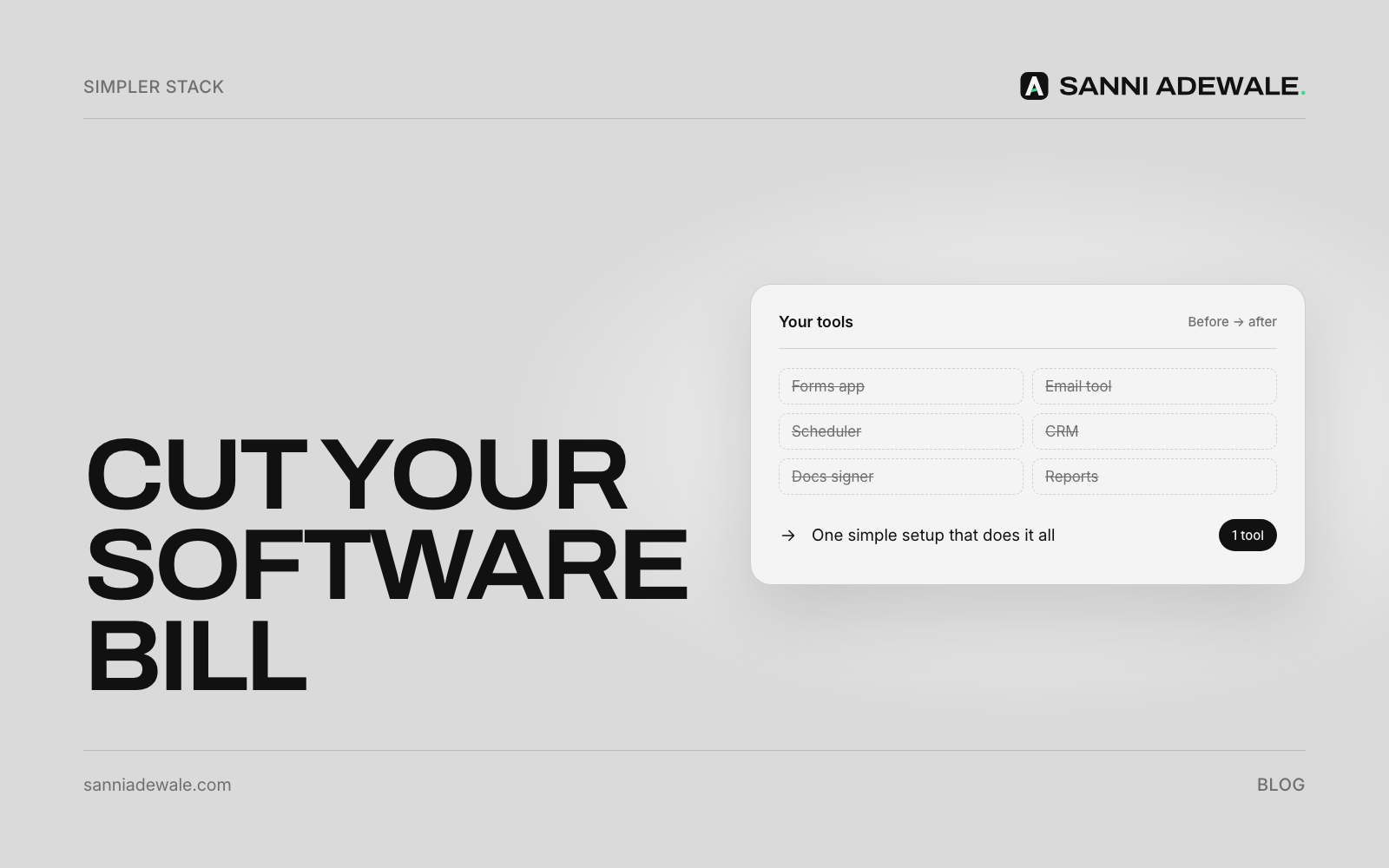
Short answer: To cut your software bill, list every subscription from your bank and card statements, note what each one actually does and who uses it, then cancel the unused ones and merge the overlapping ones into a single core setup. Export your data before you cancel anything, and review the list every few months.
The problem: subscriptions pile up quietly
Most small businesses don't choose a messy software stack. It just grows. A scheduling app here, a form builder there, a separate email tool, a CRM someone tried once, two file-storage plans and a design tool nobody has opened since spring. Each one is "only" a small monthly fee, so nobody notices the total.
It isn't just small firms. Zylo, which tracks software spending for larger organisations, says companies leave 46% of licences unused on average. If big companies with finance teams waste that much, a busy owner checking statements once a quarter almost certainly has some too.
The cost isn't only money. Every extra tool is another login, another place customer data lives and another thing to keep in sync, which is why the same details end up copied between tools by hand.
What "one simple setup" means
It doesn't mean one app for everything. It means a small core that covers the jobs most businesses actually need, with everything else connecting to it:
Email, calendar and files: one suite (for example Google Workspace or Microsoft 365).
Customers and leads: one CRM or customer list.
Money: one accounting and invoicing tool.
Your website: with built-in forms and booking where possible.
Automation and AI: a light layer that connects these and handles the repetitive work.
Some businesses go further with an all-in-one suite. Zoho One, for example, bundles dozens of apps under one per-user price. Whether that's right depends on how you work.
An illustrative example: a business paying around $1,000 a month across a dozen overlapping tools could often run the same work on a fraction of that once duplicates are removed and the core tools are set up properly. Your number depends on what you use today, so the first step is always to find out.
How to do it: 7 steps
1. Find every subscription
Go through the last three months of bank and card statements and list every software charge: name, cost, monthly or yearly, and renewal date. Don't forget annual plans that renew once a year and are easy to miss.
2. Note what each tool does and who uses it
Next to each tool, write the job it does ("sends invoices", "stores files", "booking") and who actually logs in. In Microsoft 365, the admin centre shows which licences are assigned to which users; Google Workspace has a similar view of users and connected apps.
3. Spot overlaps and unused seats
Highlight any job that two or more tools do (two file stores, three ways to send forms, two email marketing tools). Then mark seats paid for people who've left or never log in.
4. Choose your core tools
For each job, pick one tool to keep, usually the one most of the team already uses, or the one that's part of a suite you pay for anyway. Check whether a tool you already pay for has features you're paying for separately elsewhere, like built-in forms, booking or e-signatures.
5. Export your data before you cancel
Before cancelling anything, export what's in it: contacts, invoices, files, form responses, templates. Check the export opens properly, and keep it somewhere safe. Note any integrations or automations that depend on the tool.
6. Move, connect and switch off
Move the data into your core tools, reconnect anything that used the old tool, tell the team, then cancel. Downgrade plans that are bigger than you need. If you need tools to talk to each other, a small automation layer is usually cheaper than paying for overlapping apps.
7. Review every quarter
Put a 30-minute "software review" in your calendar every three months. New subscriptions creep back in; a regular check keeps the bill down.
Software audit checklist
☐ Every software charge listed from three months of statements
☐ Annual plans and renewal dates noted
☐ Job and users written next to each tool
☐ Overlapping tools highlighted
☐ Unused seats removed
☐ One core tool chosen per job
☐ Data exported and checked before cancelling
☐ Integrations and automations updated
☐ Team told what changed
☐ Quarterly review in the calendar
Common overlaps to look for
Job | Common overlap | Often enough on its own |
|---|---|---|
Files and documents | Two or three cloud storage plans | The storage in your email suite |
Forms and bookings | Separate form, survey and booking tools | Forms and booking in your website or suite |
Customer list | Spreadsheet plus a CRM plus an email tool's list | One CRM as the single source of truth |
Email marketing | Two newsletter tools | One tool, or the one built into your CRM |
Meetings | Paid video plans in more than one app | The video calls included in your suite |
Admin and reminders | Several single-purpose apps | A simple automation and AI layer |
Spend the savings on growth
Cutting tools is half the job. The other half is making the core tools work harder: following up every lead automatically, answering customers faster and handing daily admin to an AI assistant.
FAQ
How do I reduce software costs for my small business?
List every subscription from your bank and card statements, note what each tool does and who uses it, cancel unused tools and seats, and merge overlapping tools into one core setup. Review the list every quarter.
How do I find all my business subscriptions?
Check the last three months of bank and card statements for recurring software charges, including annual plans. Your email suite's admin console can also show users, licences and connected apps.
What should I do before cancelling a tool?
Export your data (contacts, invoices, files, form responses and templates), check the export opens, and update any integrations or automations that use the tool. Then cancel.
Is an all-in-one suite cheaper than separate tools?
Sometimes. Suites can replace several single-purpose apps under one price, but only if they fit how you work. Compare what you'd actually use against your current total.
How much can I save by consolidating software?
It depends entirely on what you pay for today and how much overlaps. Many businesses find unused seats and duplicate tools; the only way to know your number is to do the audit.
Want something like this for your business?
Send us an email at Lexxy0905@gmail.com or book a call.