Your AI Chief of Staff: Hand Off the Admin You Do Every Day

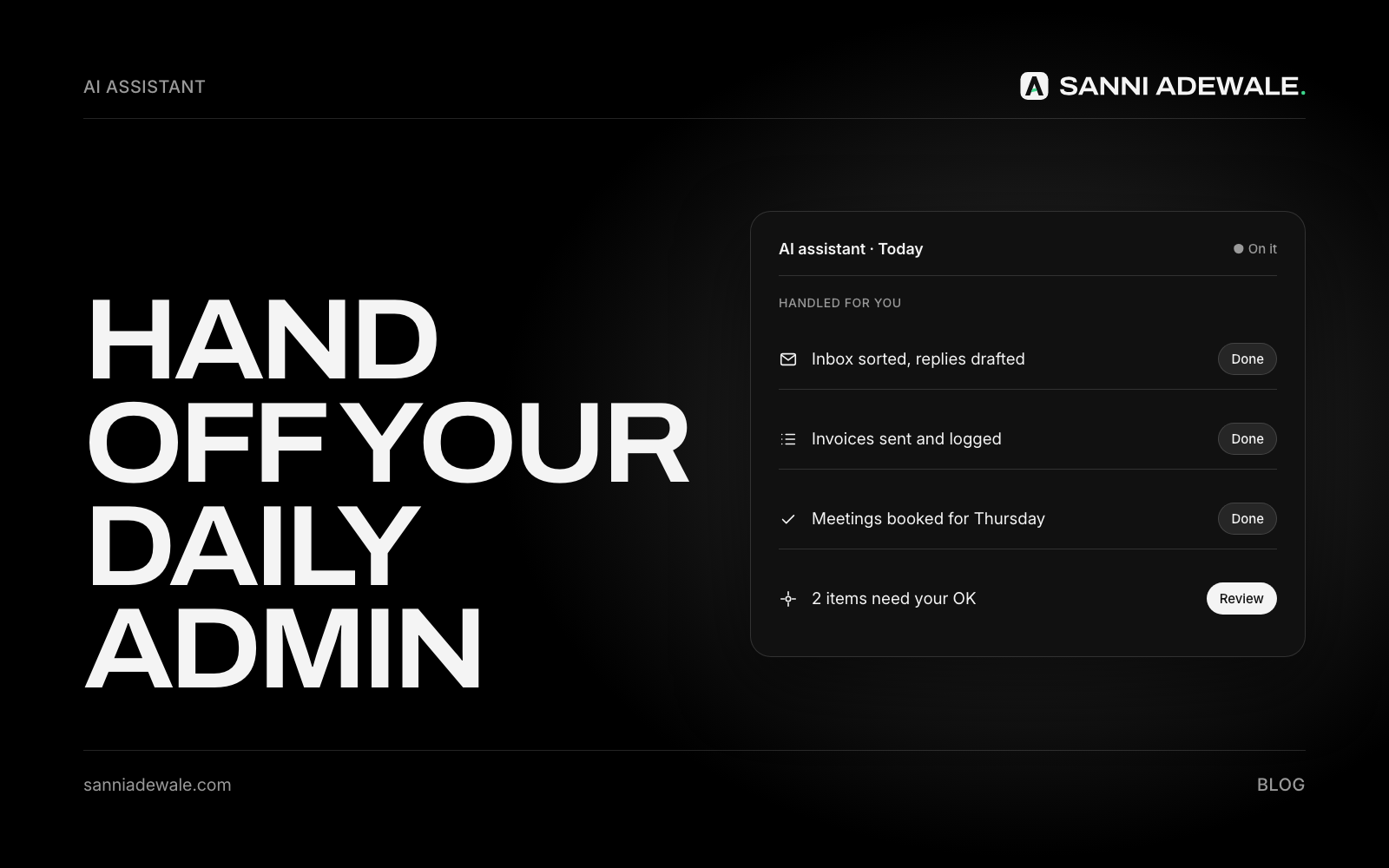
Short answer: An AI chief of staff is an AI assistant set up to handle your daily admin: sorting your inbox, drafting replies, preparing a morning briefing, tracking follow-ups and turning notes into tasks. You stay the decision-maker; the AI does the first draft of everything so your day goes to customers and growth.
The problem: you're every department
A post in a large small-business group this month summed it up: owning a business means being the accountant, the photographer, the customer service department and the IT guy. Hundreds of owners agreed. Others added marketing, website updates and tech support, and said the hardest part is telling real progress apart from just staying busy.
Big companies solve this with a chief of staff: someone who filters what reaches the boss, prepares the day and makes sure nothing falls through the cracks. Most small businesses can't hire one. But a lot of what a chief of staff does is reading, sorting, drafting and reminding, and that's exactly what today's AI assistants are good at.
What an AI chief of staff actually does
Think of four daily jobs:
Triage: reads new email and messages, labels what's urgent, what's a lead, what's admin and what can wait.
Drafts: writes first-draft replies, quotes and follow-ups in your tone for you to check and send.
Briefs: gives you a short morning summary: today's calendar, what needs a reply, what's overdue.
Chases: keeps a list of promises ("I'll send that Friday") and reminds you, or the customer, at the right time.
Tools you may already pay for cover parts of this. Gmail can summarise long email threads and draft replies with "Help me write", and Outlook offers a Copilot summary button for long threads. Assistants like ChatGPT can also run scheduled tasks, such as a morning briefing. Feature availability depends on your plan and country, so check before you rely on one. A custom setup can connect these jobs into one routine.
How to set it up: 7 steps
1. Track one week of admin
For five days, jot down every admin task and roughly how long it took: email, scheduling, chasing, data entry, posting. You'll quickly see the three or four tasks that eat the most time.
2. Write your "how I work" brief
This is the instruction sheet for your assistant: your business in two lines, your services, your tone, who your important customers are, what counts as urgent, and what it must never do (send money, agree prices, reply to complaints without you). Keep it to one page.
3. Start with inbox triage
Ask your assistant to sort new email into four groups: reply today, leads, admin, ignore. Review its choices for a week. Triage alone often removes the "where do I start?" feeling.
4. Let it draft, but you send
Have the AI draft replies to routine emails (booking questions, document requests, "thanks, received") from your brief and past replies. You check and send. After a few weeks, you'll know which kinds of reply are safe to send with a quick glance.
5. Add a daily briefing
Each morning, get a short summary: today's appointments, emails waiting on you, overdue follow-ups and anything unusual. Five minutes of reading replaces 30 minutes of searching.
6. Hand it the follow-ups
Every time you promise something, add it to one list (the AI can pull these out of your sent email). The assistant reminds you before the deadline and drafts the message. For leads, connect this to an automatic follow-up sequence.
7. Review weekly and expand slowly
Once a week, check what the assistant got wrong and update your brief. Add one new job at a time: next might be invoice reminders or moving data between your tools.
A simple daily routine
Time | What the AI does | What you do |
|---|---|---|
Before you start | Sorts overnight email and messages; writes your briefing | Read the briefing (5 minutes) |
Morning | Drafts replies to routine messages | Check and send |
During the day | Turns call and meeting notes into tasks | Make the decisions |
End of day | Lists promises made and tomorrow's follow-ups | Approve or adjust |
Friday | Summarises the week: leads, quotes, overdue items | Plan next week |
Checklist before you hand anything over
☐ One week of admin tracked
☐ "How I work" brief written (tone, services, urgent rules, no-go list)
☐ Inbox triage tested for a week
☐ AI drafts, you send, at least to start
☐ Morning briefing set up
☐ One list for every promise and follow-up
☐ Money, prices and complaints stay with you
☐ Customer data only in tools with proper data agreements
☐ Weekly 15-minute review booked
What to keep for yourself
An AI chief of staff is a filter and a first-draft machine, not a replacement for your judgement. Keep pricing, complaints, hiring and anything involving money with you. If your know-how isn't written down yet, start with turning what's in your head into simple SOPs; your assistant works far better with them.
FAQ
What is an AI chief of staff?
It's an AI assistant set up to handle a business owner's daily admin: sorting email, drafting replies, preparing a daily briefing and tracking follow-ups. The owner still makes the decisions and approves anything important.
Which admin tasks can AI handle for a small business?
Common ones are inbox sorting, drafting routine replies, summarising meetings and calls, scheduling, reminders, turning notes into tasks and preparing weekly summaries. Tasks involving money or judgement should stay with you.
Do I need special software?
Not always. Many email and office tools now include AI features, and assistants like ChatGPT or Claude can do drafting and summaries. Connecting everything into one routine may need a custom setup.
Is it safe to give AI access to my email?
It can be, with care. Use business accounts with proper data agreements, give the minimum access needed, keep a person approving what gets sent, and check how each provider handles your data.
How long does it take to set up?
A basic version (triage, drafting and a daily briefing) can be running within a week. Expect a few weeks of review and tweaking before you trust it with more.
Will it sound like me?
It will if you give it a clear brief, a few examples of your real emails and feedback when it gets the tone wrong. Keep approving drafts until it consistently sounds right.
Want something like this for your business?
Send us an email at Lexxy0905@gmail.com or book a call.