Answer Customer Questions Even When You're Busy

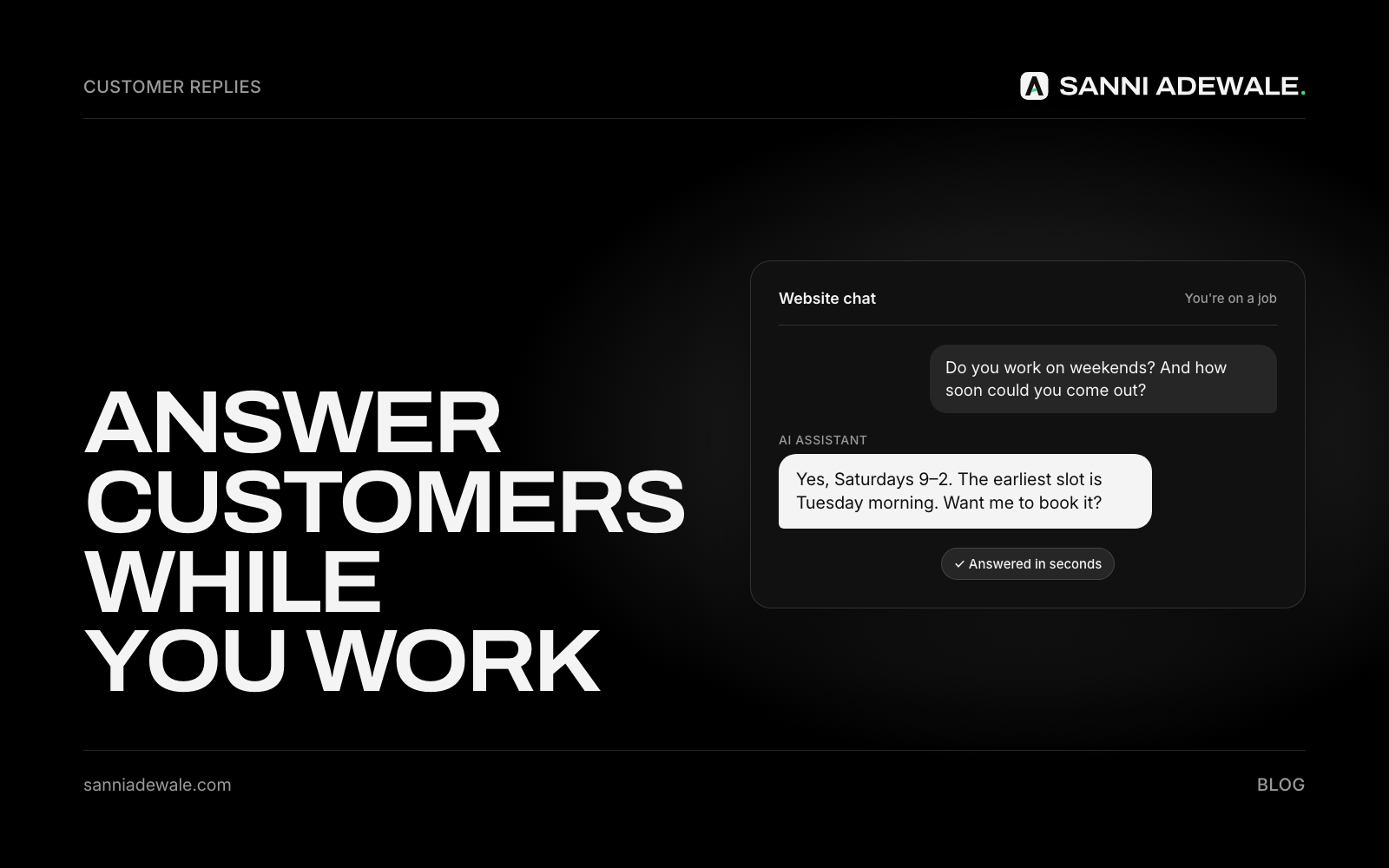
Short answer: To answer customers while you're busy, write down your top 15 questions and answers once, load them as saved replies and away messages in WhatsApp Business, Facebook, Instagram and email, and let an AI assistant draft replies to anything new from that same answer bank. You approve unusual answers; routine ones go out in minutes.
The problem: only you know the answers
Ask small-business owners what breaks first when they step away, and "answering new enquiries" comes up again and again, because only the owner knows how to answer them. Meanwhile, customers expect speed. HubSpot's research found that 90% of customers rate an "immediate" response as important or very important when they have a customer service question, and 60% define "immediate" as 10 minutes or less.
You can't reply in 10 minutes from a roof, a treatment room or a delivery van. But most questions are the same ones every week, and those you can answer once and reuse forever.
Where your customer questions come from
For most small businesses, questions arrive in four or five places: email, WhatsApp, Facebook Messenger, Instagram DMs and your website. One thing has changed recently: Google Business Profile chat was switched off on 31 July 2024, so make sure your profile points people to a channel you actually check, like your phone number or website.
The fix isn't five separate systems. It's one answer bank, used everywhere.
How to set it up: 7 steps
1. Collect your top 15 questions
Scroll back through the last month of messages and write down what people actually ask: prices or price ranges, availability, service area, how to book, what's included, how long it takes, what to do before you arrive. Write the answer you'd give, in your own words.
2. Turn them into an answer bank
Put the questions and answers in one document. Keep each answer short (two or three sentences) and end with a next step: a booking link, a quote form or "send us a photo." This document is also the start of your SOPs.
3. Set up saved replies on WhatsApp Business
In WhatsApp Business, quick replies let you store up to 50 saved messages and insert one by typing "/" in a chat. Add your top answers there, and set an away message for when you're closed or on a job.
4. Set automated responses on Facebook and Instagram
In Meta Business Suite, you can set up automated responses, such as instant replies and away messages, for Messenger and Instagram. Use them to acknowledge every message straight away and point to your booking link or answer the most common question.
5. Add templates to your email
Save your top answers as email templates in Gmail or Outlook, so a reply takes two clicks instead of five minutes of typing. Add an auto-reply on busy days that says when you'll respond and links to your FAQ page.
6. Let AI draft replies to new questions
For anything that isn't covered by a saved reply, paste the message and your answer bank into an AI assistant and ask for a reply in your tone. Better still, a custom setup can draft replies for you inside your inbox, ready to approve. Tell it to say "I'll check and get back to you" rather than guess when the answer isn't in your document. If you also want instant answers on your website, see Let AI answer your leads.
7. Add every new question to the bank
When a new question comes up twice, add it to the answer bank and your saved replies. After a couple of months, most messages are answered in seconds.
Answer bank checklist
☐ Top 15 questions and answers written in your words
☐ Each answer ends with a next step (booking link, quote form, photo request)
☐ WhatsApp Business quick replies and away message set
☐ Facebook and Instagram automated responses set
☐ Email templates saved; busy-day auto-reply ready
☐ AI drafts only from your answer bank and says when it doesn't know
☐ Prices, complaints and refunds always answered by you
☐ Google Business Profile points to a channel you check
☐ New questions added to the bank weekly
Which tool for which channel
Channel | Built-in option | What it handles | What still needs you |
|---|---|---|---|
WhatsApp Business | Quick replies, away message | Common answers, out-of-hours replies | Quotes, unusual requests |
Facebook and Instagram | Automated responses in Meta Business Suite | Instant acknowledgement, away messages | Anything beyond the basics |
Templates, auto-reply | Routine answers in two clicks | New or sensitive questions | |
Website | AI chat assistant | Instant answers and bookings 24/7 | Complaints and judgement calls |
All channels | AI-drafted replies from your answer bank | First drafts of new answers | Approving before sending |
Keep it human
Auto replies should make you faster, not distant. Use your own words, sign off with your name, and step in personally for complaints, refunds and anything emotional. For calls you can't take, see Stop losing leads to missed calls.
FAQ
How can I reply to customers when I'm busy?
Write your most common questions and answers once, then load them as saved replies and away messages in WhatsApp Business, Facebook, Instagram and email. Use an AI assistant to draft replies to new questions from the same answers.
How do I set up auto replies on WhatsApp Business?
WhatsApp Business includes quick replies (up to 50 saved messages you insert by typing "/") and an away message for when you're unavailable. Set them up from the app's business tools.
Can I automate replies on Facebook and Instagram?
Yes. Meta Business Suite lets you set automated responses, such as instant replies and away messages, for Messenger and Instagram messages.
Can AI answer customer messages for me?
AI can draft replies from your own answer bank in your tone. Keep a person approving unusual answers, and tell the AI to say it will check rather than guess when an answer isn't in your document.
Does Google Business Profile still have chat?
No. Google switched off Business Profile chat on 31 July 2024. Make sure your profile shows a phone number or website you actively monitor.
How fast should I reply to a customer message?
As fast as you reasonably can. HubSpot research found most customers rate an immediate response as important, and many define "immediate" as 10 minutes or less, so an instant acknowledgement helps.
Want something like this for your business?
Send us an email at Lexxy0905@gmail.com or book a call.