Scheduling, Quotes and Weekly Reports on Autopilot for Trades Businesses

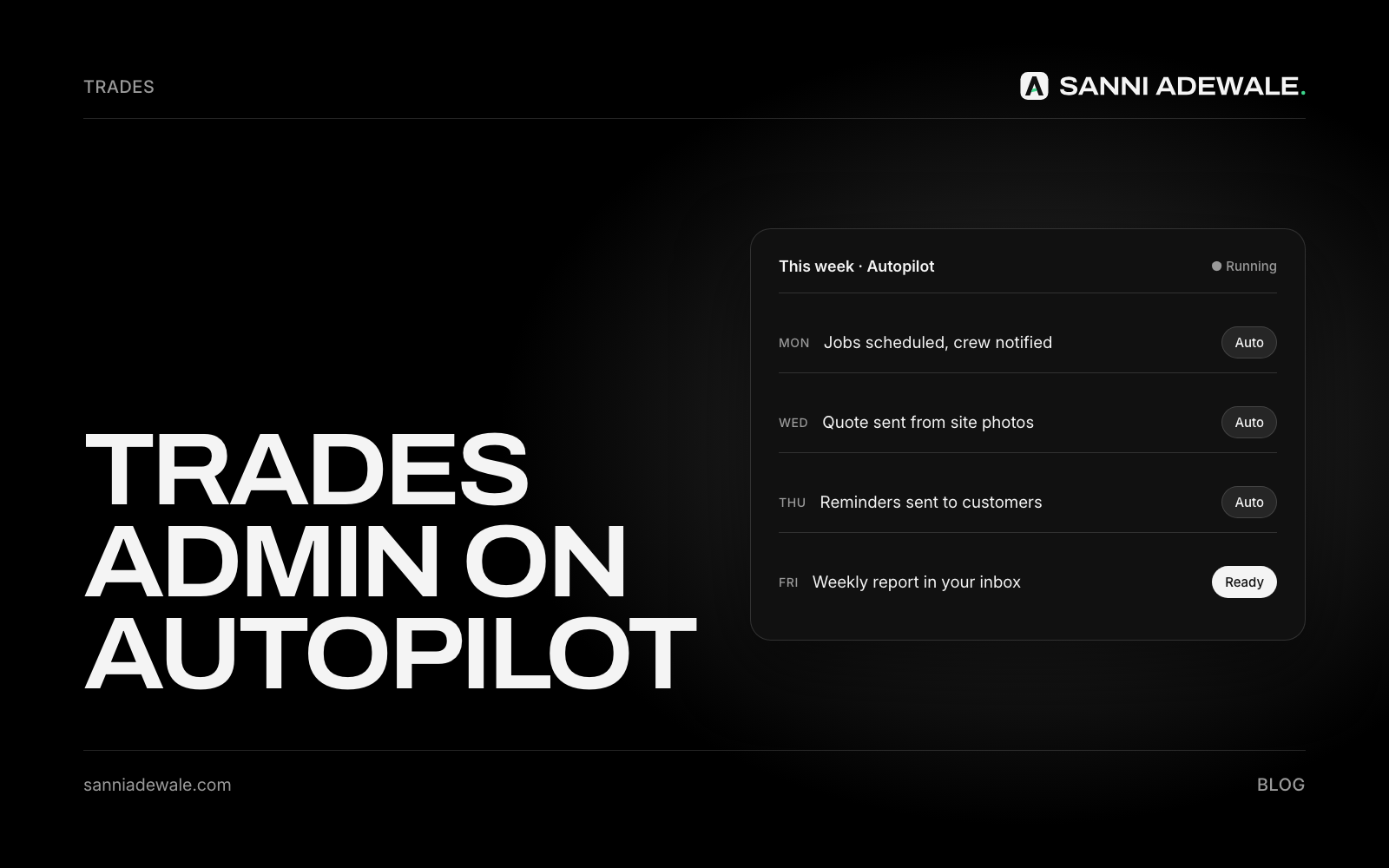
Short answer: Trades businesses can put most office work on autopilot with one job-management app plus a little AI: customers book from a link, quotes are built from templates and site photos, reminders and follow-ups send themselves, and a weekly report lands in your inbox every Monday. You spend your evenings off, not on admin.
The problem: the job is done, the paperwork isn't
A post in a big small-business group this autumn described trade owner-operators who need help with answering phones, submitting permits and purchase orders, scheduling and weekly reports. One reply summed up what a lot of owners are now wondering: doesn't AI pretty much do all this already?
Partly, yes. Most of that work follows the same pattern every week, which is exactly what software handles well. You don't need a big system built for 200-van firms. A one-to-five-person crew can get most of the benefit from a single app set up properly.
The four jobs to automate
Scheduling: customers book from a link, jobs land in the calendar, and the right person gets the details.
Quotes: built from templates and price lists, sent the same day, and followed up automatically.
Reminders: appointment confirmations and "on my way" texts so fewer customers are out when you arrive.
Weekly report: jobs done, quotes sent and won, invoices unpaid, next week's schedule, without building a spreadsheet.
How to set it up: 7 steps
1. Pick one job-management app
Field service apps such as Jobber, Housecall Pro, ServiceM8, Tradify and Fergus combine scheduling, quotes, invoicing and reminders in one place. Features differ by plan, so check that online booking, automated reminders and reporting are on the plan you choose. Larger firms often use heavier platforms, but small crews rarely need them.
2. Turn on online booking
Let customers request or book a slot from your website, Google profile and social pages. If you're not ready for job software, Google Calendar's appointment schedules give you a simple booking page (some features need a paid Google plan).
3. Build quote templates and a price list
Write templates for your five most common jobs with standard line items and prices. Add your rules for extras (access, materials, call-out). Then a quote takes minutes, not an evening.
4. Let AI help with the quote write-up
Take photos and voice notes on site, then have AI turn them into a tidy job description and scope for the quote. You still set the price; AI just does the typing. Keep your pricing rules written down so anyone can follow them (see turning what's in your head into SOPs).
5. Automate reminders and follow-ups
Switch on appointment confirmations and reminders, and an automatic follow-up two or three days after every quote. Many trades lose jobs simply because nobody chased the quote. More in Follow up every lead automatically.
6. Catch the calls you miss
Phones are the biggest leak for trades on the tools. Add a missed-call text-back or an AI receptionist so callers get a reply and a booking link while you're working; see Stop losing leads to missed calls.
7. Get a weekly report every Monday
Use your app's built-in reports, or have AI summarise the week from your job, quote and invoice data: jobs completed, quotes sent and accepted, unpaid invoices and next week's schedule. Five minutes on Monday replaces hours of adding up. Chase anything unpaid with automatic invoice reminders.
Trades autopilot checklist
☐ One job-management app chosen, right plan for booking, reminders and reports
☐ Online booking link on website, Google profile and social pages
☐ Quote templates for your five most common jobs
☐ Pricing rules written down
☐ Site photos and voice notes turned into quote write-ups by AI
☐ Appointment confirmations and reminders switched on
☐ Automatic follow-up after every quote
☐ Missed-call text-back set up
☐ Weekly report every Monday
☐ Permits and purchase orders tracked as tasks with due dates
What to automate, and how
Admin job | Simple fix | Where it usually lives |
|---|---|---|
Booking jobs | Online booking link | Job app or Google Calendar appointment schedules |
Writing quotes | Templates plus AI write-up from site photos and notes | Job app plus an AI assistant |
Chasing quotes | Automatic follow-up after 2–3 days | Job app or an automation tool |
Appointment reminders | Automatic confirmation and reminder texts or emails | Job app |
Missed calls | Instant text-back with booking link | Phone system or AI receptionist |
Weekly numbers | Built-in report or AI summary every Monday | Job app plus AI |
Permits and POs | Task with due date and reminder | Job app or project list |
Start with the biggest leak
If you lose jobs to missed calls, start there. If quotes sit unsent, start with templates and follow-ups. One fix a week is plenty; within a month, most of your evening admin can be gone.
FAQ
What is the best job scheduling software for trades?
Popular options for small crews include Jobber, Housecall Pro, ServiceM8, Tradify and Fergus. The best fit depends on your trade, team size and which features (online booking, reminders, reporting) are on the plan you can afford.
Can AI write quotes for my trade business?
AI can turn site photos and voice notes into a clear job description and scope, and fill in your quote template. You should still set the price using your own pricing rules.
How do I automate appointment reminders?
Most job-management apps can send automatic confirmations and reminders by text or email before each appointment. Turn them on and customise the wording.
How can I get a weekly report without spreadsheets?
Use the reporting built into your job app, or have AI summarise jobs completed, quotes sent and won, unpaid invoices and next week's schedule every Monday.
Do I need expensive software to automate trades admin?
No. Many apps have plans for solo traders and small crews, and simple tools like an online booking page and quote templates go a long way. Start with your biggest time leak.
Want something like this for your business?
Send us an email at Lexxy0905@gmail.com or book a call.